Login
-
ID:
E-mail/Username
-
PW
Password
incorrect username or password!Login ID is disabled -
Verify Code:
incorrect Verify Code
- forgot password?
- Star Game
- No account?Sign up
Activity
more
Introduction
more

Clash of Three Kingdoms
0 people played
Developers
Experience the realistic world of the Three Kingdoms era. Expand the land, accompany the beauty and conquer the world now!
Customer Service
Email1:cotk@corp.heyshell.com
Clash of Three Kingdoms> Information > Information
[New Version] Lord's Info
2019-01-19 From:Clash of Three Kingdoms
Lord’s Info
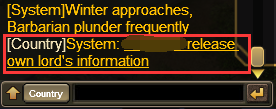
In the latest version lords will have name cards of their own. Lords can change their image if they like and send their personal information to Country or World channel. Let’s have a look!
[Function Interface]
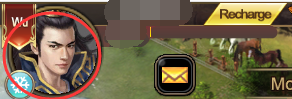
Click the profile picture to enter on Web Client.
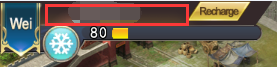
Click place near Character to enter on mobile Client.
[Lord’s Info]
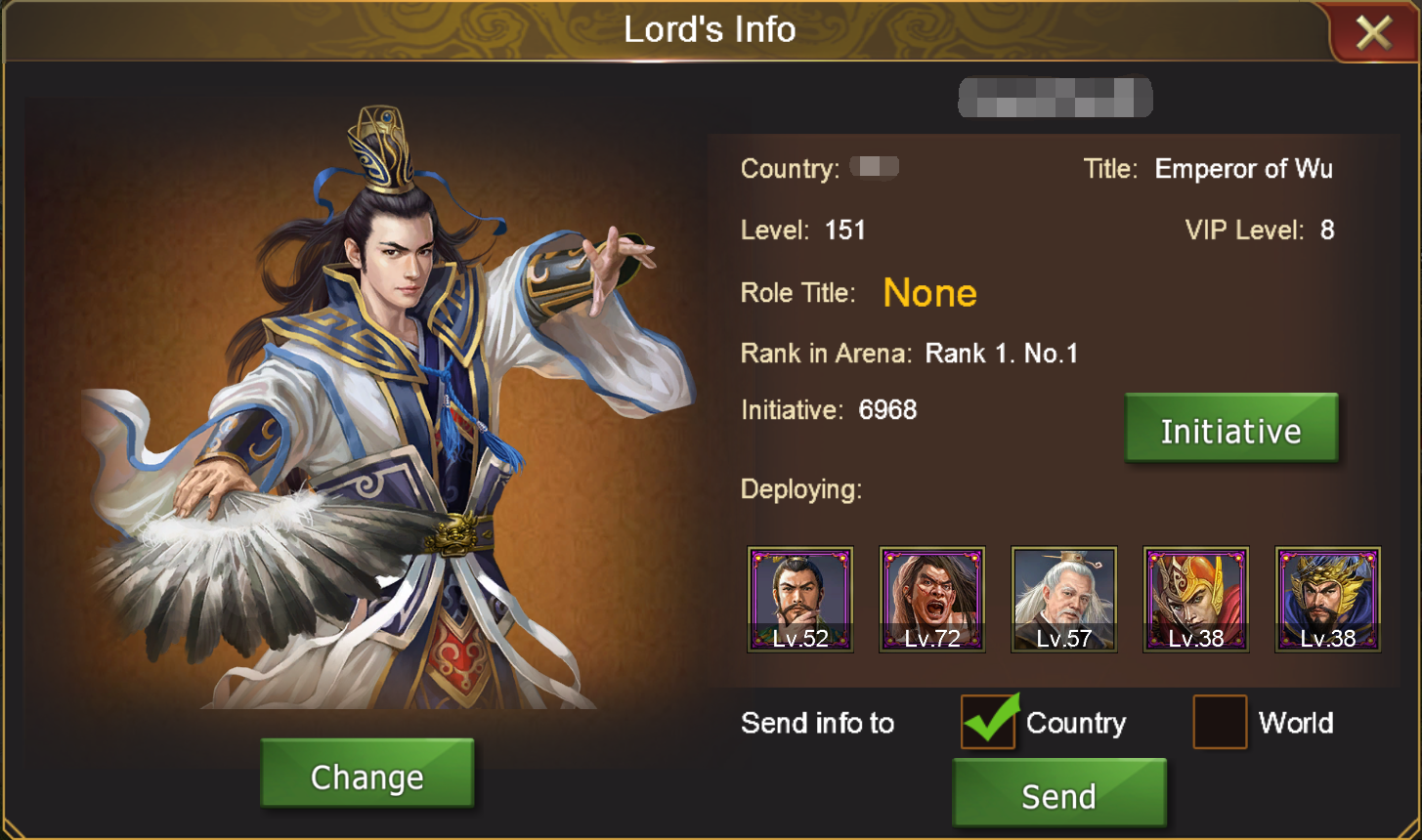
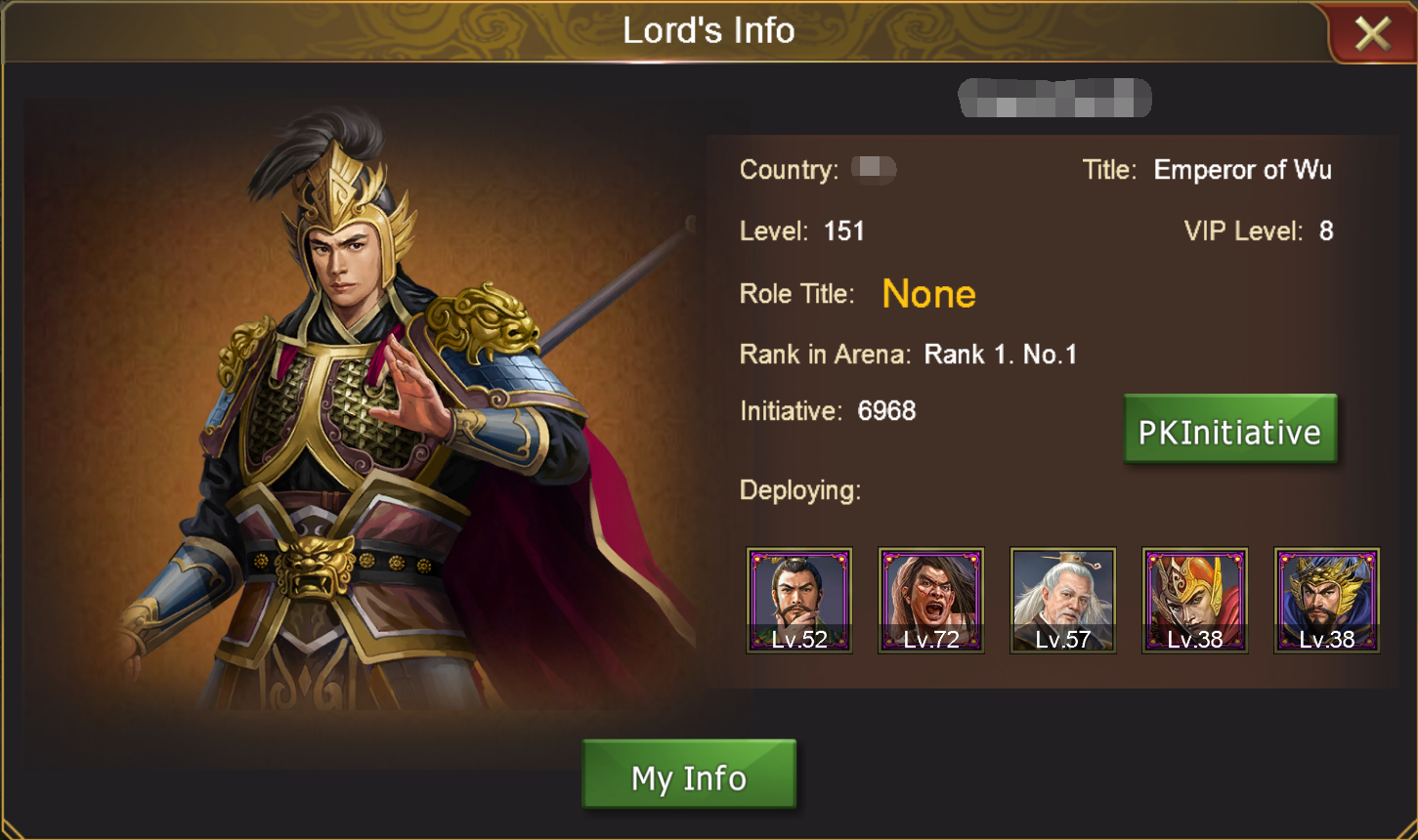
Character, Country, Title, Level, VIP Level, Role Title, Rank in Arena, Initiative, Deploying heroes and Lord’s Image are presented on Lord’s Info Panel.
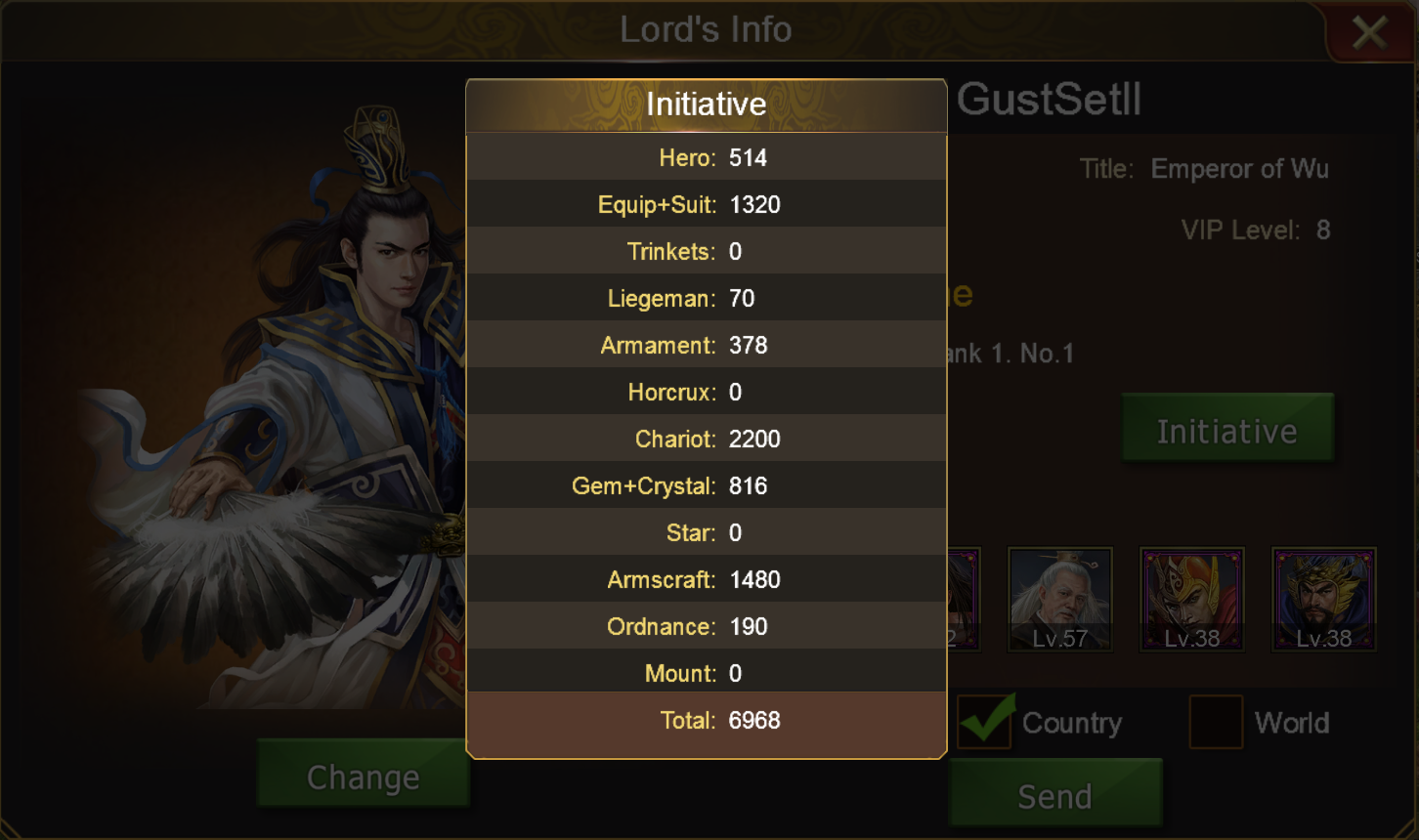
Click Initiative to know specific initiative statistics like initiatives of Hero, Liegeman, Armament and other items.
Additionally, Lord’s Info can be shown to others in World Channel or Country Channel.
[Lord’s Image]
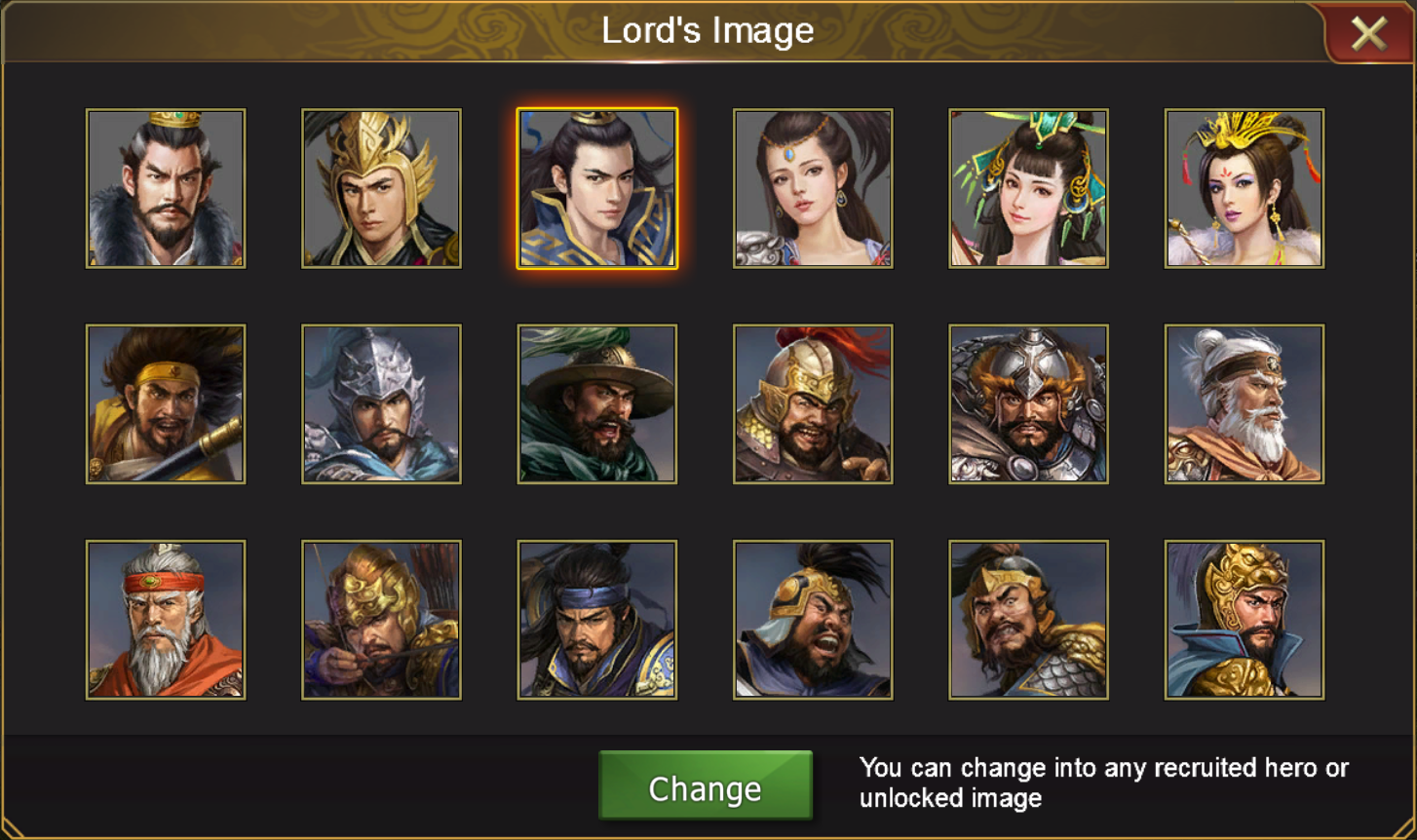
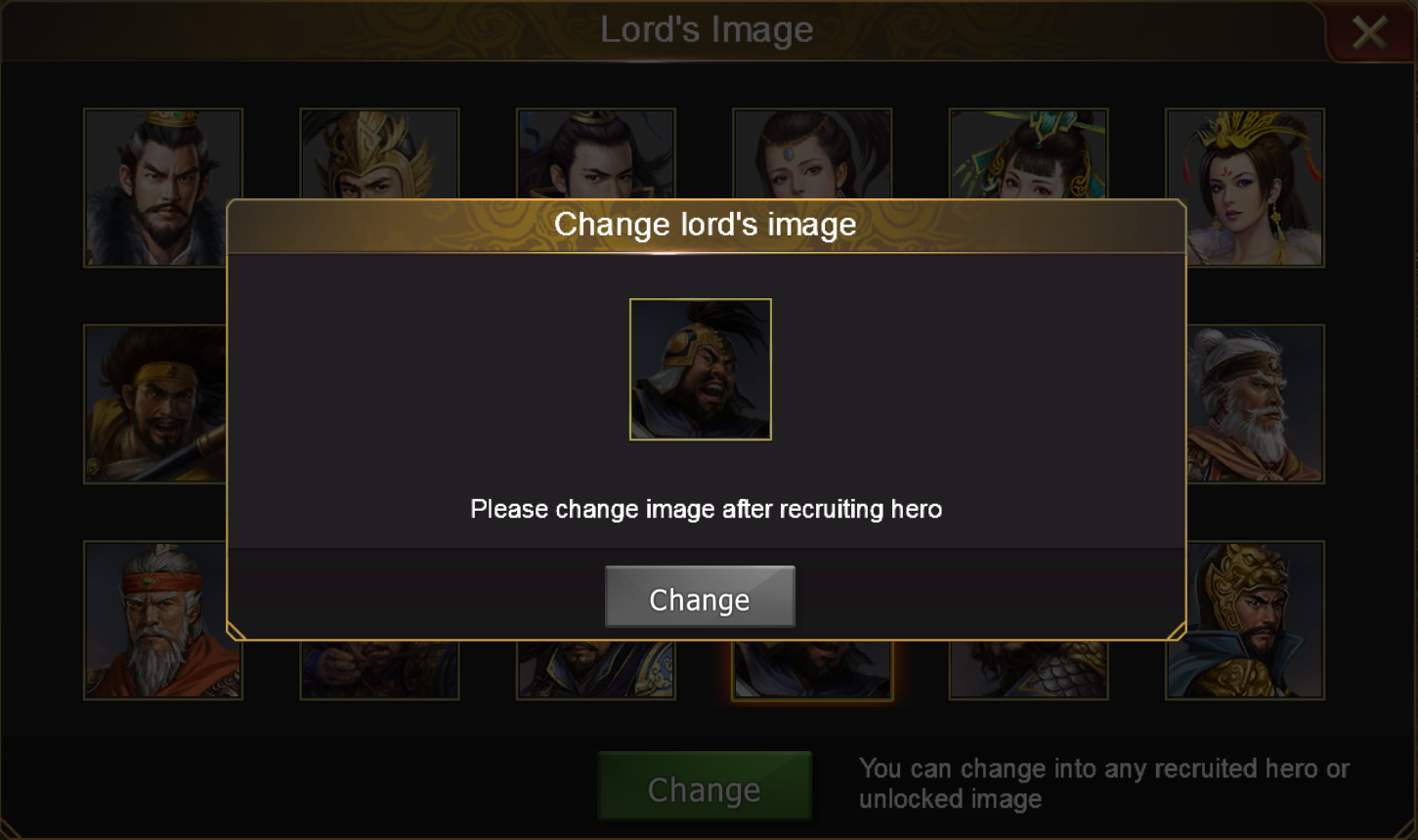
Lords could change into the image of their favorite hero once they have recruited the hero or have an unlocked image of the hero. New image take the places of all profile and half-length pictures of lords.
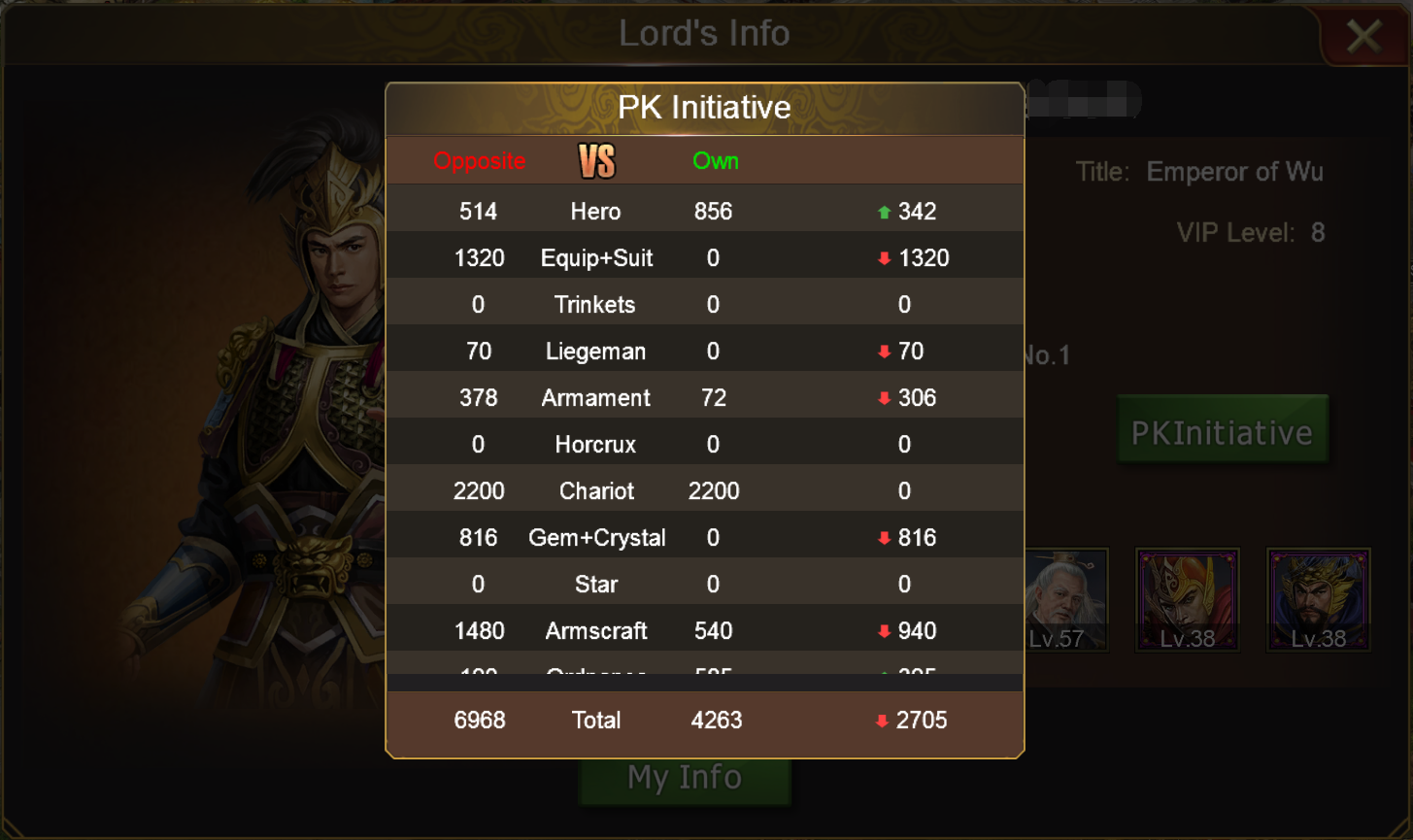
[Initiative Comparison]
Click Lord’s Info sent by others in Chat to check detailed information of others. Comparisons can be made between you and other lords.
All data above are only for reference, please take the in-game as precedence.
In the latest version lords will have name cards of their own. Lords can change their image if they like and send their personal information to Country or World channel. Let’s have a look!
[Function Interface]
Click the profile picture to enter on Web Client.
Click place near Character to enter on mobile Client.
Character, Country, Title, Level, VIP Level, Role Title, Rank in Arena, Initiative, Deploying heroes and Lord’s Image are presented on Lord’s Info Panel.
Lords could change into the image of their favorite hero once they have recruited the hero or have an unlocked image of the hero. New image take the places of all profile and half-length pictures of lords.
[Initiative Comparison]
Click Lord’s Info sent by others in Chat to check detailed information of others. Comparisons can be made between you and other lords.